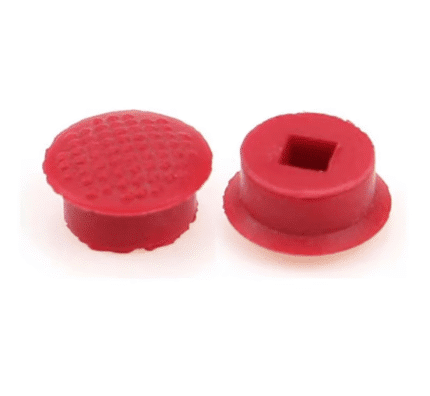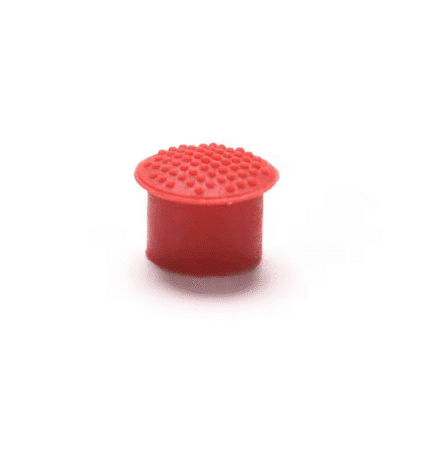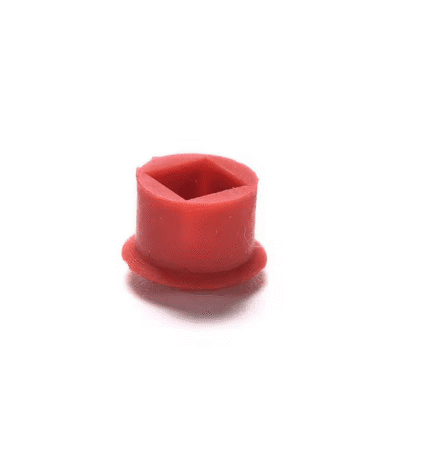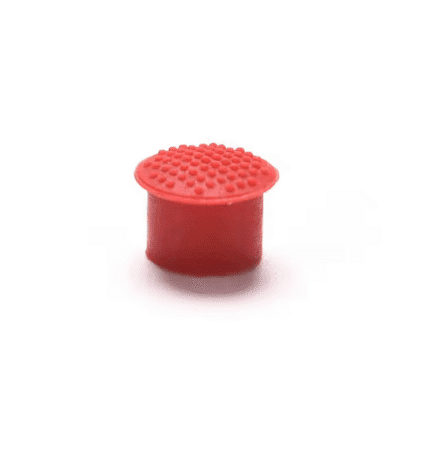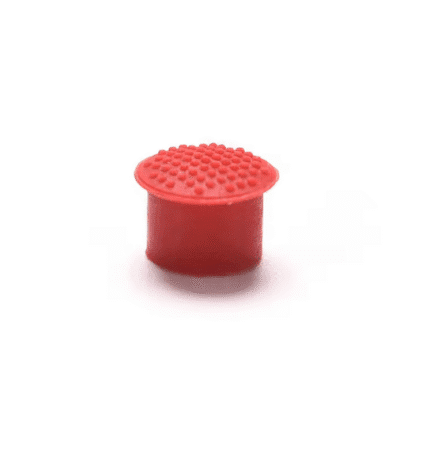

Lenovo ThinkPad E570 S2 Trackpoint Cap
€2.00
For Lenovo Thinkpad E570 S2 Laptop Trackpoint Pointer Mouse Cap
25 in stock
ThinkPad E570 Trackpoint Cap – Product Description
This ThinkPad E570 trackpoint cap is a replacement red pointing stick cover designed for Lenovo ThinkPad E570 and E570 S2 laptops. Over time, the original cap on the keyboard can become shiny, worn down or fall off completely, which makes the built-in pointer mouse harder and less comfortable to use. Fitting a fresh trackpoint cap helps restore grip, control and the classic ThinkPad pointing experience on your E570.
Key Features of the Pointer Mouse Cap
Comfortable Replacement for Everyday Use
- Replacement trackpoint cap for compatible Lenovo ThinkPad E570 and E570 S2 models
- Textured surface to improve grip and control on the pointing stick
- Helps make precise cursor movements easier when working without an external mouse
Simple Push-On Installation
- Easy to fit – gently push the new cap onto the trackpoint stem on the keyboard
- No special tools or software required to install the cap
- Ideal spare part to keep your ThinkPad keyboard feeling comfortable and responsive
Compatibility – Lenovo ThinkPad E570 and E570 S2
This pointer mouse cap is suitable for Lenovo ThinkPad E570 and E570 S2 laptops that use the classic red pointing stick in the centre of the keyboard. It is designed to fit onto the existing trackpoint stem in place of the original cap.
If you are not sure whether this part is correct for your laptop, you can check the model information on the underside label or in the system settings, then confirm details on the official Lenovo support website.
When to Replace Your Trackpoint Cap
- The red cap is missing from the keyboard or easily comes off
- The surface has become shiny or slippery and is hard to control
- The cap is damaged, torn or no longer feels comfortable under your finger
- You want a fresh ThinkPad E570 trackpoint cap to improve everyday use
Replacing a worn trackpoint cover is a quick, low-cost way to refresh the feel of your ThinkPad without changing the whole keyboard or relying on an external mouse.
Care Tips for Your New Trackpoint Cap
- Keep the cap clean by gently wiping with a soft, slightly damp cloth if needed
- Avoid harsh chemicals that could damage the rubber surface of the pointer mouse cap
- Do not pull or twist the cap excessively once installed – just use normal finger pressure when pointing
Delivery, Returns and Support from OtusBargains
Orders are shipped quickly from Ireland, with most items dispatched on the next working day. We offer a straightforward 30 day returns policy if you change your mind or the item is not suitable for your laptop. For more details, please see our shipping and returns page or browse more laptop accessories and spare parts on the OtusBargains homepage. If you have any questions about this ThinkPad E570 trackpoint cap, please contact our customer support team through the website and we will be happy to help.
Related products